Local model / 01
On-device Processing
Your designs never leave your Mac. Complete privacy with local processing.

AI-powered attention heatmaps for interfaces, landing pages, and product screens. Built for macOS.
Apple Silicon · macOS 15+
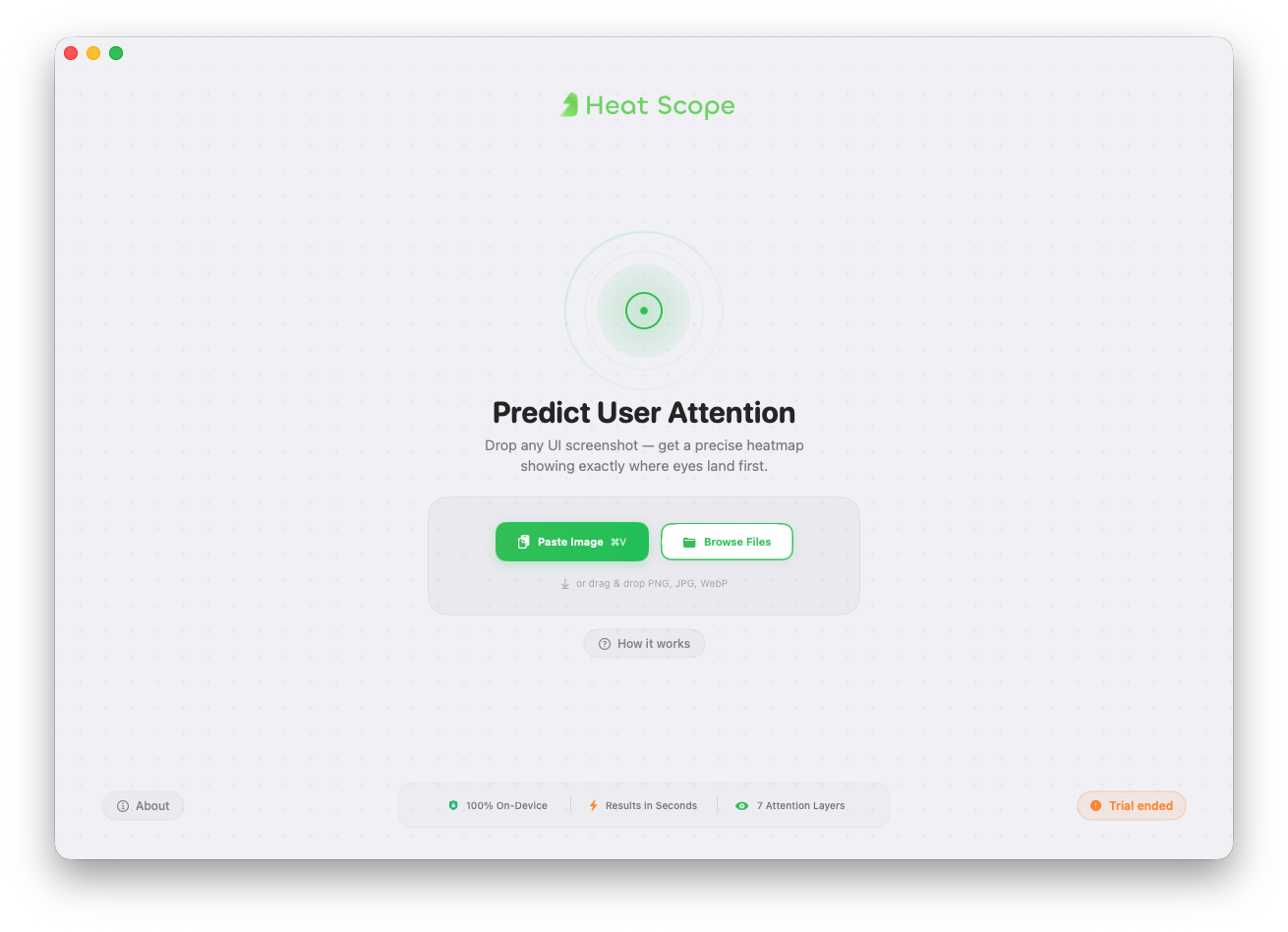
A complete toolkit for privacy-first attention analysis, built to fit naturally into modern design workflows.
Your designs never leave your Mac. Complete privacy with local processing.
Generate attention predictions in seconds. No waiting, no queues.
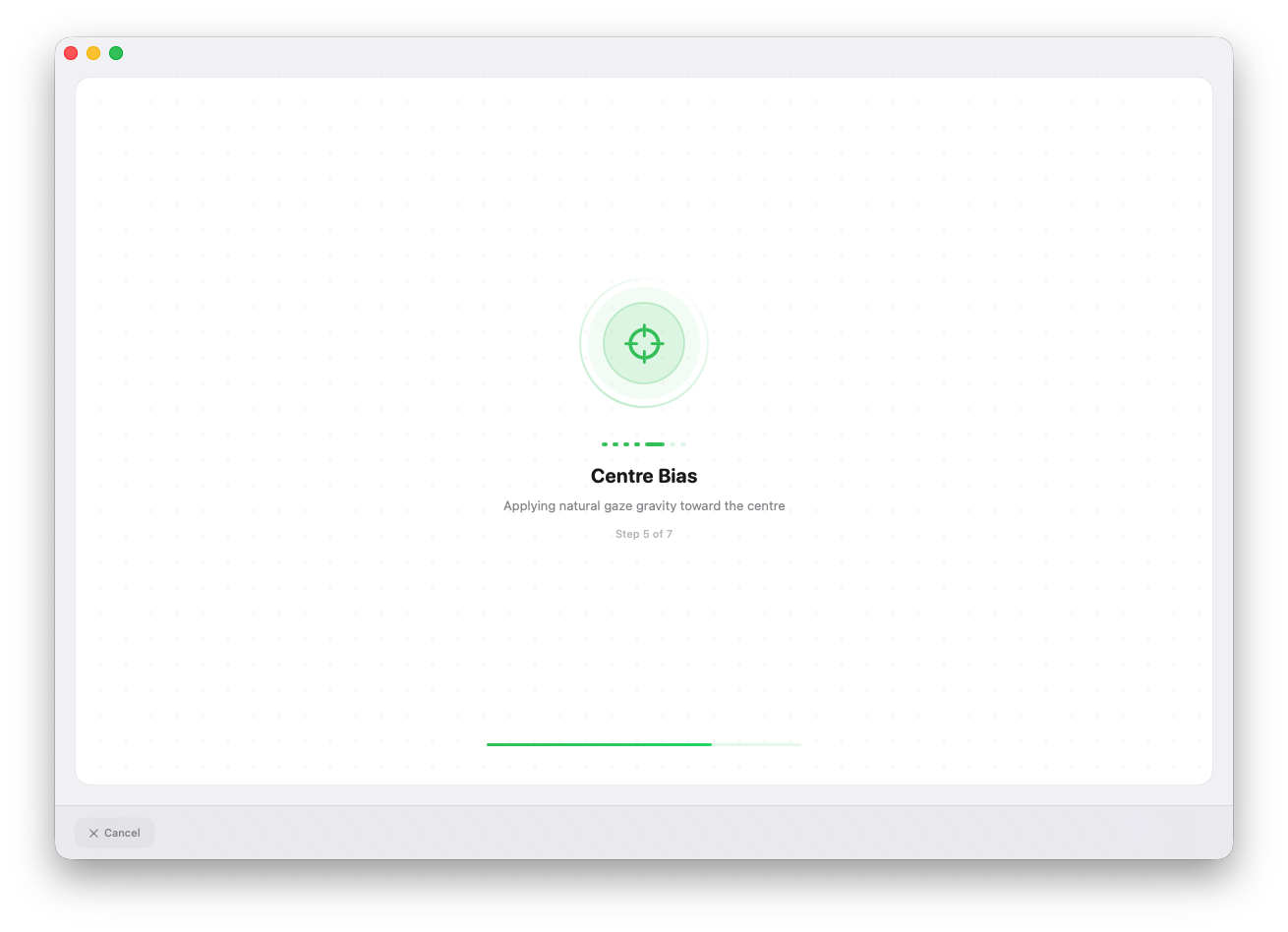
Combines saliency, text, faces, contrast, gaze flow, center bias, and layout patterns.
Copy any frame with Cmd + Shift + C and paste it directly into HeatScope.
View your original design and heatmap together in a split view instantly.
No cloud uploads, no data collection, and complete on-device privacy.
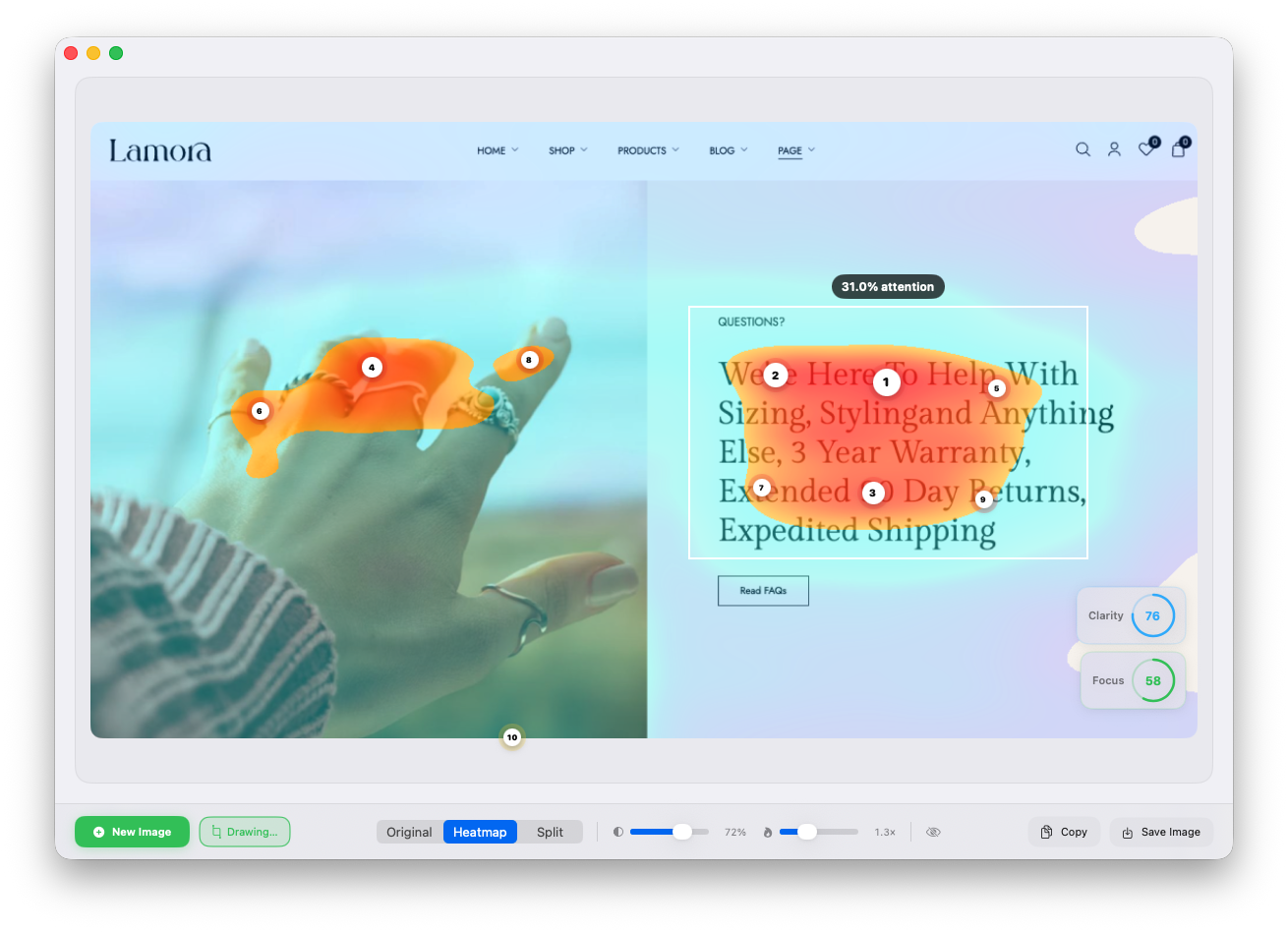
Understand exactly where users focus their attention in real-time
Validate your design hierarchy before shipping. Ensure users focus on the right elements first to maximize conversions.
Compare original & attention patterns instantly between different layouts to identify which drives better engagement.
Identify distractions and cognitive friction. Remove elements that compete for attention and boost your conversion rates.
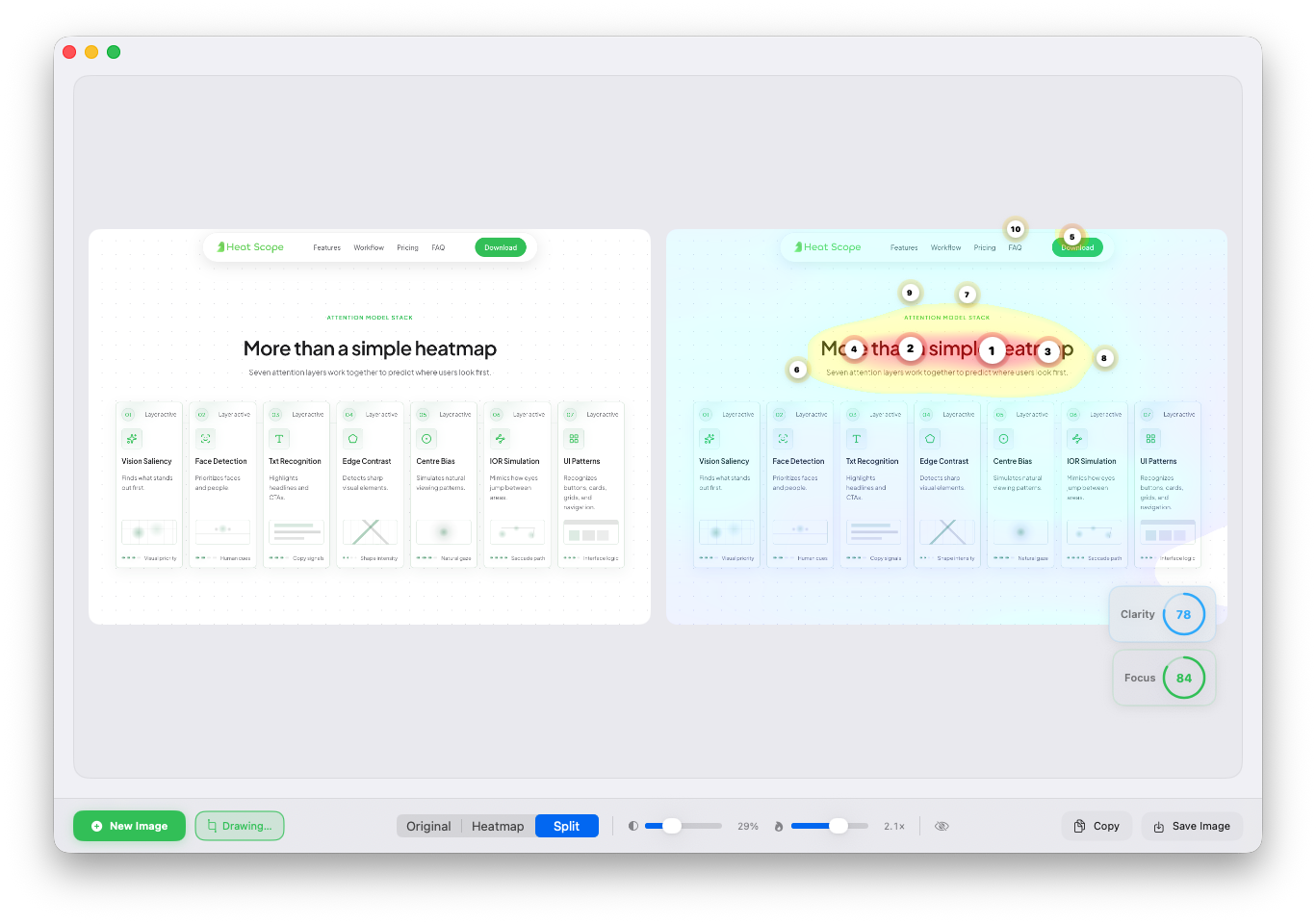
Finds what stands out first.
Prioritizes faces & people.
Highlights headlines & CTAs.
Detects sharp visual elements.
Simulates natural viewing patterns.
Mimics how eyes jump areas.
Recognizes design elements.
Download the Mac app and generate up to 40 free heatmaps before unlocking unlimited access.
macOS 15+ · Apple Silicon Required · Instant setup
Check hierarchy, CTAs, and scan paths in seconds while screens are still evolving.
No cloud uploads or external processing. Your files stay on your Mac from start to finish.
Export heatmaps, compare iterations, and make launch decisions with more confidence.
Unlimited heatmaps, exports, & updates.
You can upgrade anytime after your free trial ends.
Everything you need to know about Heatscope
HeatScope currently supports PNG, JPG, JPEG, and WebP files. PNG is recommended for the best accuracy and visual clarity.
HeatScope combines multiple attention layers including text recognition, contrast, face detection, saliency, centre bias, and UI patterns to create realistic attention predictions. The results are designed to help validate hierarchy and spot weak areas before testing with real users.
No. HeatScope is designed for Apple silicon Macs including M1, M2, M3, M4, and newer chips. Some advanced features may require Apple Intelligence support.
HeatScope requires macOS Sequoia 15.1 or later for Apple Intelligence powered features. Apple Intelligence is supported on M1 Macs and newer.
No. HeatScope processes everything locally on your Mac. Your uploaded screens, heatmaps, and exported files are not uploaded to external servers.
Yes. HeatScope allows you to export heatmaps as image overlays so you can use them in presentations, design reviews, documentation, and client reports.
Join designers using HeatScope to validate hierarchy & improve attention before launch.
Download HeatscopeGet 40 free heatmaps and instantly see where attention lands first.